Smart lighting isn’t just about turning bulbs on and off with your phone, it’s about building a responsive system that adapts to how a homeowner actually lives. Whether someone’s dimming kitchen lights for movie night or scheduling porch lights to deter break-ins, the right setup makes daily routines smoother and energy bills lower. Installing a smart lighting system doesn’t require an electrician for most projects, but it does demand careful planning and attention to compatibility. This guide walks through everything needed to wire, sync, and automate lighting from the ground up.
Table of Contents
ToggleKey Takeaways
- Smart lighting installation enables energy savings of 75% compared to incandescent bulbs while offering automation, convenience, and enhanced home security through scheduling and motion activation.
- Choose a control protocol (Wi-Fi, Zigbee, or Z-Wave) based on scalability and compatibility with your voice assistant ecosystem before purchasing any smart lighting components.
- Most smart lighting installation projects require only basic DIY tools and don’t need an electrician, but verify your existing electrical setup—especially neutral wires in older homes—before replacing switches.
- Smart bulb selection depends on fixture type, lumens output, color temperature, and dimmer compatibility; mismatched components cause flickering, pairing failures, and installation delays.
- Common smart lighting mistakes like mixing incompatible protocols, overloading Wi-Fi networks, and ignoring neutral wire requirements can be prevented through upfront planning and careful device testing before finalizing connections.
What Is Smart Lighting and Why Install It?
Smart lighting refers to LED bulbs, fixtures, and switches that connect to a home network via Wi-Fi, Zigbee, Z-Wave, or Bluetooth. Unlike traditional lighting controlled by wall switches, these systems respond to voice commands, apps, motion sensors, and preset schedules.
Homeowners install smart lighting for energy efficiency, LED smart bulbs typically use 75% less energy than incandescent bulbs and last 15-25 times longer. The ability to dim or turn off forgotten lights remotely prevents waste. Automation adds convenience: lights that turn on at sunset, brighten gradually as an alarm, or flash when the doorbell rings.
Security is another driver. Scheduled lighting patterns make homes look occupied during vacations. Motion-activated exterior lights deter prowlers without leaving fixtures burning all night.
Most smart lighting projects fall into the cosmetic category, no permits required. Replacing existing bulbs or fixtures on existing circuits doesn’t alter a home’s electrical infrastructure. But, installing new circuits, junction boxes, or hardwired switches may require permits depending on local code. The National Electrical Code (NEC) governs residential wiring: homeowners should confirm jurisdiction-specific requirements before running new wire.
Smart lighting scales easily. A renter can start with a single smart bulb in a lamp. A homeowner can retrofit an entire house, integrating switches, dimmers, and fixtures into one ecosystem. The key is choosing compatible components upfront, mixing protocols (Wi-Fi bulbs with Zigbee switches, for example) creates headaches down the line.
Planning Your Smart Lighting System
Start by mapping existing lighting. Walk through each room and note:
- Number of bulbs and fixtures
- Bulb base types (E26 medium screw, E12 candelabra, GU10 pin base, etc.)
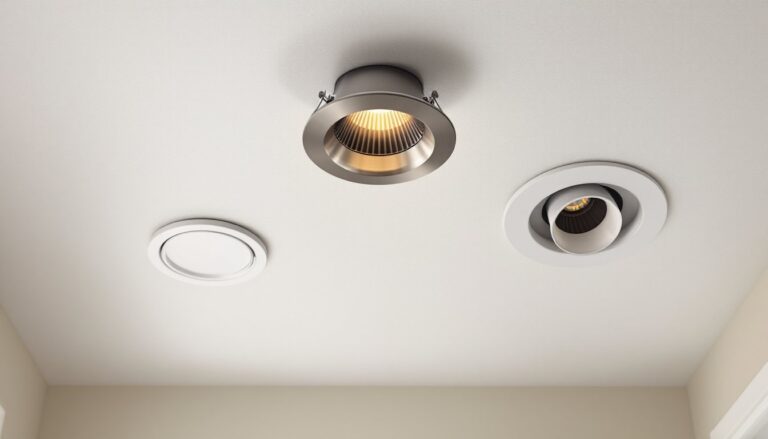
- Fixture types (ceiling cans, chandeliers, sconces, track lighting)
- Switch configuration (single-pole, three-way, dimmer)
- Desired functions (color-changing, dimming, motion activation)
Decide on a control protocol. Wi-Fi bulbs connect directly to a router, no hub needed, but can clog bandwidth if scaled beyond a dozen devices. Zigbee and Z-Wave use mesh networks that require a hub but handle hundreds of devices efficiently. Bluetooth works for small setups (single room) but lacks whole-home range.
For homes already invested in voice assistants, match the ecosystem. Amazon Alexa, Google Assistant, and Apple HomeKit each support different bulb brands. Cross-compatibility exists, but native integration runs smoother. Homeowners building a broader automation system should choose a protocol that works across lights, locks, thermostats, and sensors.
Budget by room priority. Kitchens, living rooms, and entryways see the most use, start there. Outdoor lighting and bedrooms can follow. Expect to pay $10-$15 per basic smart bulb, $30-$60 for color-changing bulbs, and $40-$80 for smart switches. Prices fluctuate with sales and new product releases.
Choosing Compatible Bulbs and Fixtures
Bulb selection hinges on fixture type and desired features. A19 bulbs fit standard lamps and ceiling fixtures. BR30 floods suit recessed cans. Filament-style smart bulbs work in exposed-bulb fixtures where aesthetics matter.
Check lumens, not watts. A 60-watt incandescent equivalent produces roughly 800 lumens. Smart LEDs achieve that output at 8-10 watts. For task lighting (kitchen counters, desks), aim for 1,000+ lumens. Ambient lighting (living rooms, bedrooms) works at 400-800 lumens per bulb.
Color temperature matters. 2700K gives warm, yellowish light similar to incandescent bulbs, ideal for bedrooms and living spaces. 3000K-4000K provides neutral white for kitchens and bathrooms. 5000K+ mimics daylight, suited to workshops or garages. Color-changing RGB bulbs shift across the spectrum but often sacrifice brightness in white mode.
For three-way switches (lights controlled from two locations), smart switches handle the wiring better than smart bulbs. The switch controls power: the smart function replaces mechanical toggling. Some smart switches require a neutral wire, check the existing switch box before buying. Older homes sometimes lack neutrals, limiting options to specific switch models or requiring rewiring.
Dimmer compatibility varies. Not all smart bulbs work with traditional dimmers. If keeping a dimmer switch, use dimmable smart bulbs rated for that purpose. Alternatively, replace the dimmer with a smart dimmer switch that communicates digitally rather than chopping voltage.
Outdoor fixtures demand wet-rated or damp-rated bulbs and weatherproof housings. Verify that smart bulbs meet IP65 or higher ingress protection ratings for exposed outdoor sockets. Cold climates can affect Bluetooth range and battery life in fixtures with integrated sensors.
Essential Tools and Materials You’ll Need
Most smart lighting installations use tools already in a DIYer’s kit. For bulb swaps, the job is literally hand-tight. Switch replacements and fixture installs require more.
Tools:
- Non-contact voltage tester (critical for safety, confirms power is off)
- Screwdrivers (Phillips and flathead)
- Wire strippers (for trimming and exposing conductor)
- Needle-nose pliers (twisting wire nuts, tucking wires)
- Wire nuts (assorted sizes, typically included with switches)
- Electrical tape (securing connections)
- Stepladder (for ceiling fixtures and high switches)
- Smartphone or tablet (for app setup and testing)
Materials:
- Smart bulbs (matched to base type and desired features)
- Smart switches or dimmers (if replacing mechanical switches)
- Smart hub (if using Zigbee or Z-Wave: not needed for Wi-Fi bulbs)
- Mesh router or range extenders (if Wi-Fi signal is weak in target rooms)
- Wire connectors (if original wire nuts are brittle)
- Voltage tester batteries (if tester isn’t auto-sensing)
Personal Protective Equipment (PPE):
- Safety glasses (protect eyes from debris when opening ceiling boxes)
- Work gloves (optional, but helpful when handling metal junction boxes)
- Dust mask (if working in attics or around old insulation)
For installing new fixtures, add a stud finder if mounting to ceiling joists. Some smart fixtures ship with proprietary mounting brackets that replace standard electrical box hardware. Testing smart features often requires guidance from detailed installation tutorials, especially for multi-device setups.
Step-by-Step Installation Process
Before starting, turn off power at the breaker. Label the breaker so nobody flips it mid-project. Use a non-contact voltage tester at the switch or fixture to confirm zero voltage.
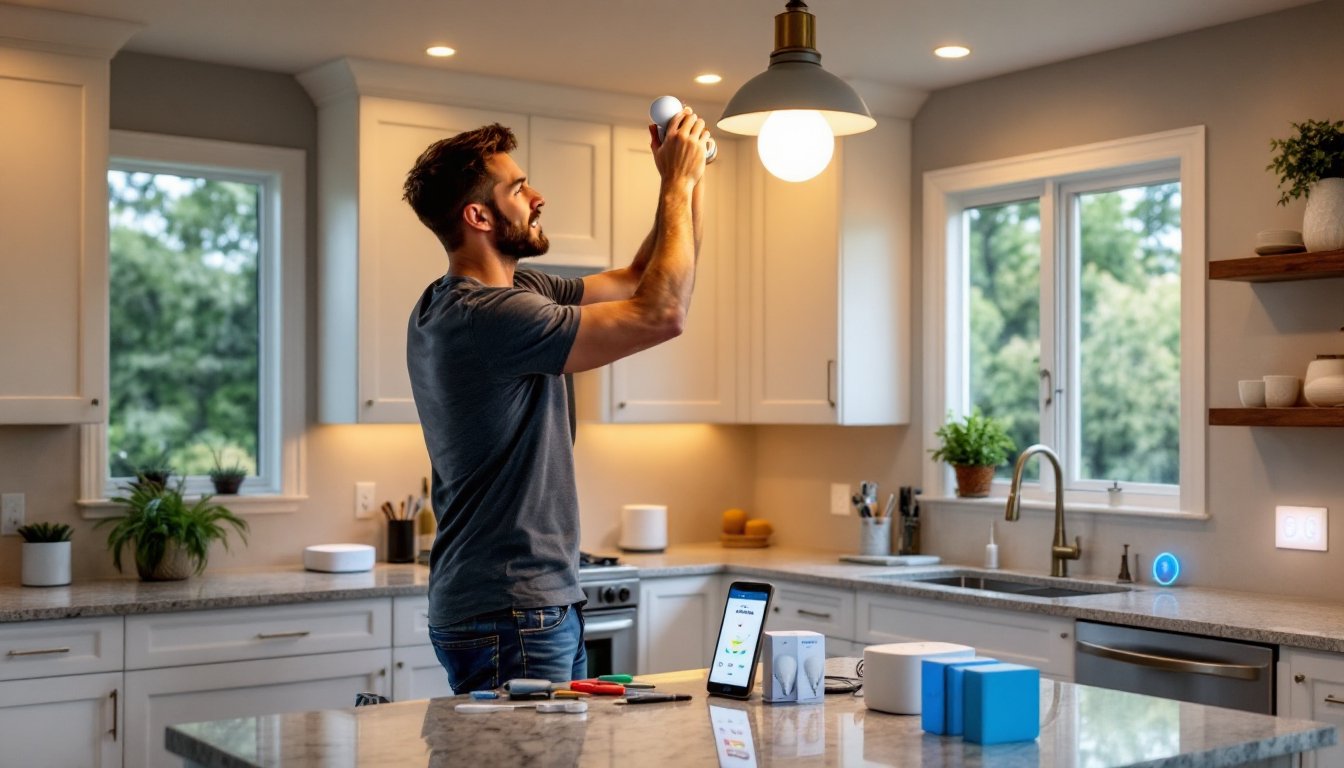
1. Install Smart Bulbs (Simplest Option)
- Remove the old bulb once power is off (or leave the switch on if only replacing a bulb).
- Screw in the smart bulb hand-tight, over-tightening can damage the base.
- Restore power at the breaker.
- Open the manufacturer’s app and follow pairing instructions (usually involves toggling the bulb on/off in a specific pattern).
- Name the bulb by room or function (“Kitchen Island,” “Front Porch,” etc.).
- Test on/off, dimming, and color changes through the app.
Keep the wall switch in the “on” position. Cutting power via the switch disconnects the bulb from the network.
2. Replace a Standard Switch with a Smart Switch
- Turn off the breaker and verify no voltage at the switch with a tester.
- Remove the switch cover plate and unscrew the switch from the box.
- Photograph the existing wiring before disconnecting. Note which wires attach to brass screws (hot), silver screws (neutral, if present), and green screws (ground).
- Disconnect the wires. If wire ends are damaged, trim and re-strip 1/2 inch of insulation.
- Connect the smart switch per manufacturer instructions:
- Line (hot in): typically black wire from the breaker
- Load (hot out): black wire to the light fixture
- Neutral: white wire bundle (required for most smart switches)
- Ground: bare copper or green wire
- Tuck wires neatly into the box. Some smart switches are bulkier than mechanical switches, ensure they fit without pinching wires.
- Screw the switch into the box and attach the cover plate.
- Restore power and pair the switch via the app.
For three-way switches, one switch becomes the smart controller: the other is often replaced with a companion switch or removed. Wiring varies by setup, consult the switch manufacturer’s diagram.
3. Install a Smart Fixture
- Turn off the breaker and verify no voltage.
- Remove the old fixture by unscrewing the canopy and disconnecting wire nuts.
- If the new fixture’s mounting bracket differs, detach the old bracket from the electrical box and install the new one.
- Connect wires: black to black (hot), white to white (neutral), ground to ground.
- Secure connections with wire nuts and wrap with electrical tape.
- Attach the fixture to the mounting bracket and install bulbs (if not integrated LED).
- Restore power and pair the fixture.
Integrated LED fixtures eliminate bulb replacement but can’t be individually upgraded. If the LED module fails, the entire fixture may need replacement.
Setting Up Your Smart Hub and App Controls
If using Zigbee or Z-Wave devices, plug in the hub and connect it to the router via Ethernet. Download the hub’s app (SmartThings, Philips Hue Bridge, Hubitat, etc.) and create an account.
Add devices one at a time. Most hubs auto-detect new bulbs and switches in pairing mode. Follow on-screen prompts to name devices and assign them to rooms. Resources like smart home setup guides help first-time users navigate app interfaces.
Organize devices into groups or scenes. A “Movie Night” scene might dim living room lights to 20% and turn off overhead fixtures. A “Good Morning” routine could gradually brighten bedroom lights over 10 minutes.
Voice control requires linking the smart lighting app to Alexa, Google Assistant, or Siri. Open the voice assistant’s app, search for the lighting skill or integration, and sign in with the lighting account credentials. Assign devices to rooms that match the assistant’s room structure for intuitive commands (“Alexa, turn off the kitchen lights”).
Test automations cautiously. A motion sensor that triggers lights at 3 a.m. can wake the household. Set sensitivity and timeout delays appropriately. Exterior motion lights should ignore small animals but catch people.
Common Installation Mistakes to Avoid
Mixing incompatible protocols. A Zigbee bulb won’t pair with a Z-Wave hub. Double-check protocol compatibility before buying. Returning opened smart bulbs can be difficult.
Skipping neutral wire checks. Many smart switches require a neutral wire. Open the switch box beforehand to confirm. Homes built before the 1980s often lack neutrals in switch boxes. Workarounds include neutral-add kits (requiring fishing wire through walls) or switches designed for no-neutral installations.
Overloading Wi-Fi networks. Each Wi-Fi bulb consumes bandwidth. Networks with 20+ devices may experience lag or drop connections. Mesh networks like those from home automation ecosystems handle traffic better than single routers. Consider a dedicated 2.4 GHz network for smart devices: most smart bulbs don’t support 5 GHz.
Ignoring dimmer incompatibility. Installing a smart bulb in a fixture controlled by a traditional dimmer causes flickering, buzzing, or failure. Remove the dimmer and install a standard switch, or use a smart dimmer rated for LED loads.
Forgetting to label circuits. If the breaker panel isn’t labeled, testing circuits becomes guesswork. A helper can confirm when the correct breaker trips by checking if the light goes off. Label the breaker immediately.
Neglecting firmware updates. Smart devices ship with firmware that may have bugs. After installation, check the app for updates. Some updates add features or improve stability. Skipping updates can leave devices vulnerable or incompatible with newer app versions.
Over-tightening bulbs. Smart bulbs contain electronics that can crack under excessive torque. Hand-tighten until snug, no tools.
Assuming all voice assistants work the same. Apple HomeKit requires specific bulb certifications. A bulb that works with Alexa may not support Siri without a firmware update or bridge. Check compatibility lists before integrating voice control.
Rushing the pairing process. If a bulb doesn’t pair immediately, resetting it (usually via a specific on/off cycle) and retrying often solves the issue. Consult the manual for reset procedures. According to guides on installing smart bulbs, patience during pairing prevents troubleshooting headaches later.
Ignoring load limits. Smart switches have maximum wattage ratings (often 300-600 watts). Calculate total wattage of bulbs on the circuit. Six 10-watt LEDs draw 60 watts, well under limits. But older homes with incandescent bulbs on the same circuit can exceed switch capacity. Convert to LEDs before installing smart switches to avoid overload.
Placement of hubs matters. Zigbee and Z-Wave rely on mesh networks where devices relay signals. A hub in a basement corner won’t reach upstairs bedrooms. Centralize the hub and place devices strategically to extend the mesh. Metal ductwork and thick walls interfere with signals. Resources like lighting design guides discuss layout planning that factors in signal propagation.
Not testing before closing walls. If running new wire for additional fixtures, test connections before patching drywall. A loose wire nut discovered after mudding and painting means tearing out fresh work.